Slack presence scheduler
alternatives that are safer

Compare your options and choose a schedule-based approach without device hacks.

No admin approval | Presence only | No desktop app

No hardware. No admin approval.

Trust signals

A safer alternative to device hacks

Schedule-based presence keeps you active without risky workarounds

Safer than device hacks

Cloud scheduling keeps presence consistent without local workarounds.

No admin approval

Connect with your own account. No workspace bot required.

Runs from the cloud

Keeps your status active even if devices sleep.

Presence only

No message access. Just reliable availability signals.

Definition

What a Slack presence scheduler does

It makes availability follow chosen hours without depending on an always-on laptop

Follows a schedule

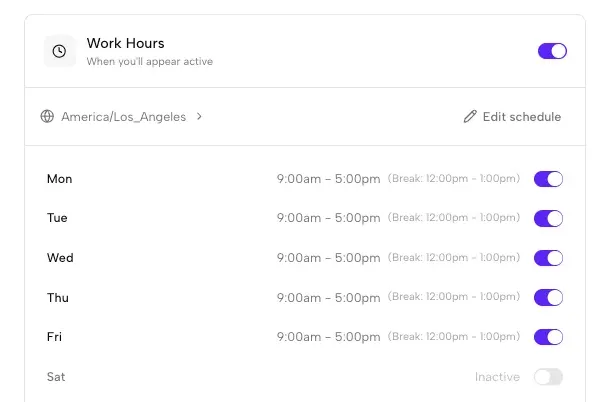
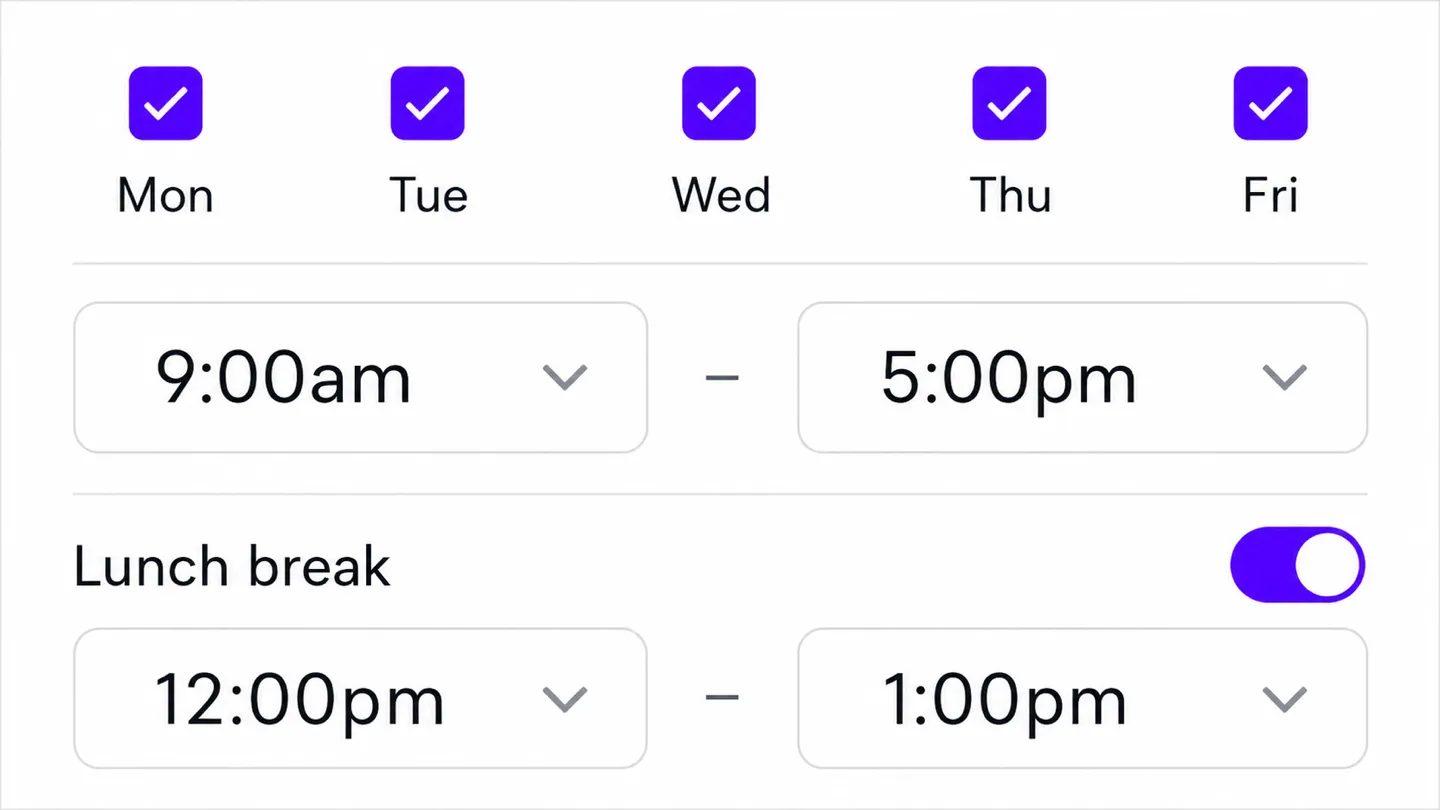
You choose work days, start and end times, timezone, and optional breaks. Outside that window, normal Slack availability behavior resumes.

Runs away from the device

An off-device session can continue while a laptop is asleep, closed, or offline. Browser extensions and keep-awake apps cannot cover those states.

Requires a trust decision

A cloud option avoids local hardware and scripts, but it still connects to your Slack account. Compare permissions, session visibility, controls, and company policy before choosing one.

Compare alternatives

Choose the safest path to consistent presence

Compare device hacks, bots, and schedule-based options

Device hacks

Require hardware or scripts, can conflict with IT policies.

Bots

Often need admin approval and add extra integrations to manage.

Recommended

Schedule-based presence

Works even when devices are offline and keeps schedules explicit.

How it works

The safer alternative to device-based schedulers works like this:

Set it up once
Your Slack status follows your schedule

Takes about 2 minutes on desktop

1. Connect your Slack workspace
Desktop setup (one-time)

1. Connect your Slack workspace

Securely link your workspace. We simulate a browser connection, so you do not need to install any apps or bots.

On Chrome? 1-click connection (optional)

2. Choose your work hours and time zone

2. Choose your work hours and time zone

Set the days and hours you want to appear active. We handle time zones automatically.

3. Stay active during your schedule

3. Stay active during your schedule

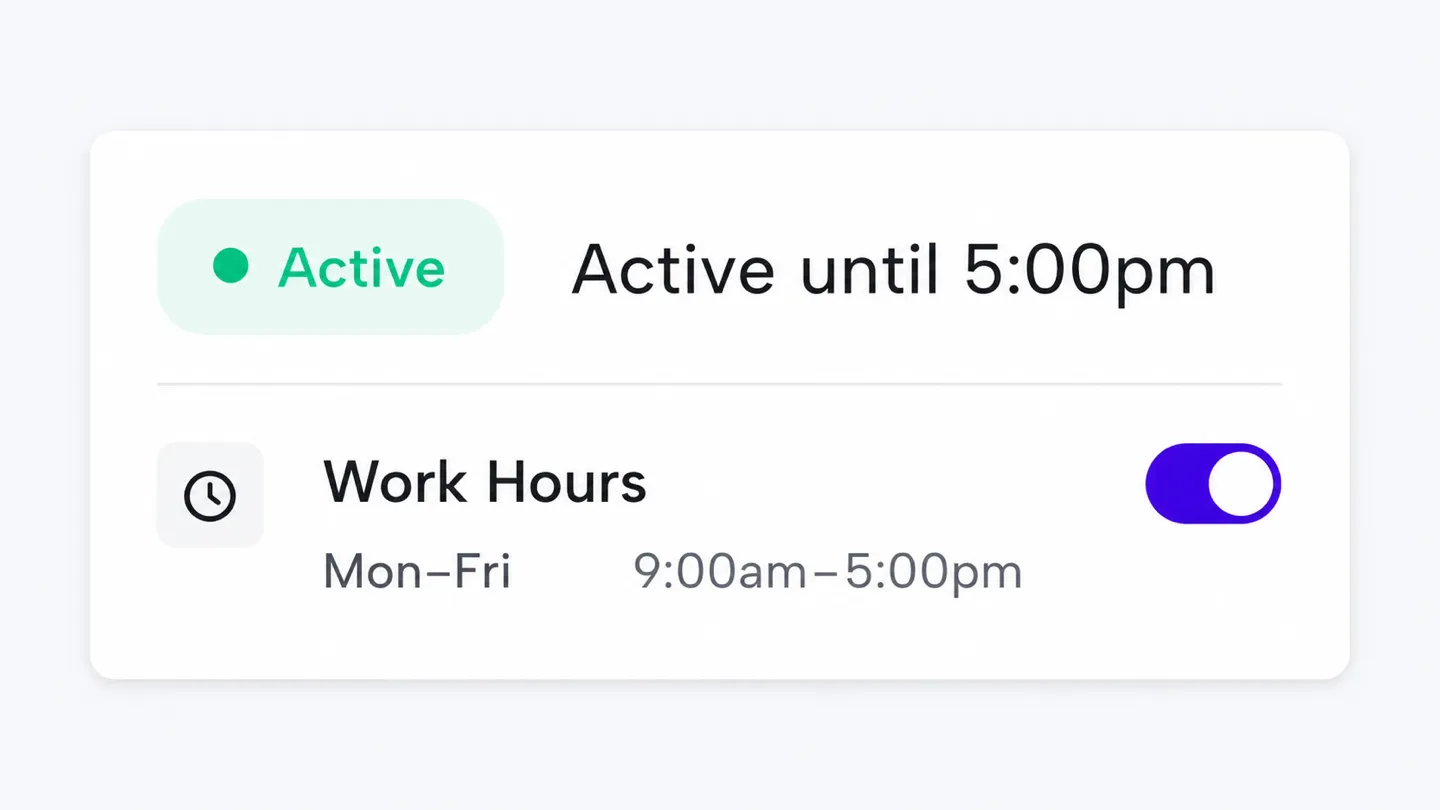
Idle Pilot keeps your status consistent while devices are offline.

No Slack app or bot installed
No Slack admin approval needed
Turn off anytime
Try the cloud-based option

No hardware. No admin approval.

FAQ

Quick answers before you connect

What are the safest Slack presence scheduler alternatives?

The safest alternatives avoid installing anything on your device or workspace. Cloud-based schedulers like Idle Pilot maintain your Slack session from remote servers, so there are no USB devices, local scripts, or browser extensions for IT security tools to flag. You connect once from a desktop browser and the schedule runs automatically.

Do presence scheduler alternatives require a Slack bot?

No. Unlike traditional workspace integrations, cloud-based presence scheduler alternatives like Idle Pilot connect using your own Slack web session. There is no bot to install, no admin approval needed, and nothing visible to other workspace members. This makes them a practical option when your workspace restricts third-party app installations.

Are Slack presence schedulers allowed by workspace admins?

Presence schedulers use your own Slack session, similar to keeping a browser tab open. You should follow your workspace policies and Slack terms of service. Since no bot or app is installed in the workspace, there is typically nothing for admins to approve or manage.

Does a presence scheduler alternative work if my laptop is off?

Yes. Cloud-based alternatives run entirely on remote servers and do not depend on your device being powered on, connected to WiFi, or running any local software. Your Slack status stays active during your chosen work hours regardless of your laptop state.

How do I choose the right presence scheduler alternative?

Look for three things: reliability (cloud-based beats device-dependent), policy safety (no hardware or scripts to flag), and ease of control (ability to pause, adjust hours, or turn off instantly). Avoid options that require admin approval or access to your messages.

Last updated: July 2026

Ready for a safer Slack presence option?

Connect once, set your hours, and stop worrying about device hacks.

Start my free trial